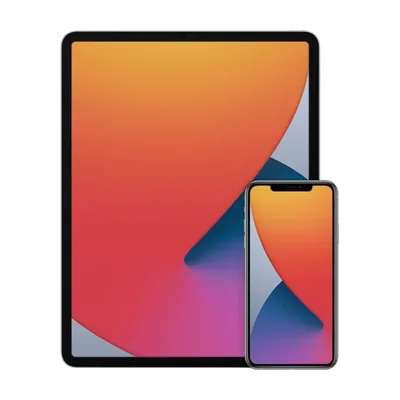
How does the free phone and tablet combo work?
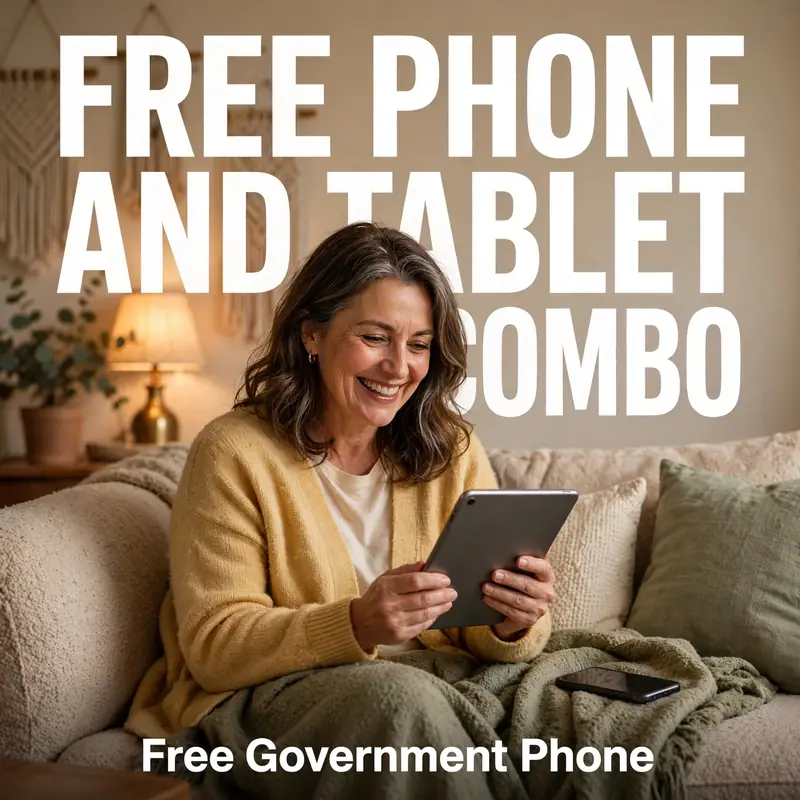
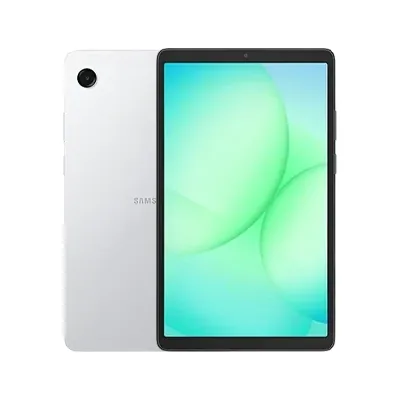
When you apply, choose the Smartphone + Tablet Combo. Once you are approved for Lifeline, we ship both devices together for free. Your Lifeline benefit covers the phone service; the tablet is our promotional device and uses Wi‑Fi or your phone's mobile hotspot.
Is there still a government tablet program?
Many free tablet offers were funded by the Affordable Connectivity Program (ACP), which stopped accepting new funding in 2024. Lifeline continues, and Phone Government still offers tablets and combos to qualifying Lifeline customers who enroll with us.
Who qualifies for the free phone and tablet combo?
You qualify if you meet Lifeline rules:
- SNAP (food stamps / EBT)
- Medicaid
- Supplemental Security Income (SSI)
- Federal Public Housing Assistance (including Section 8)
- Veterans Pension or Survivors Pension
- Tribal programs for residents of Tribal lands
- Household income at or below 135% of the federal poverty guidelines
How do I connect my free tablet to the internet?
- Turn on Personal Hotspot (iPhone) or Mobile Hotspot (Android) on your phone.
- On the tablet, open Wi‑Fi settings and select your phone's hotspot name.
- Enter the hotspot password shown on your phone.
You can also connect to home, library or school Wi‑Fi. Need help? Call 1-800-188-7575.
Who is the combo best for?
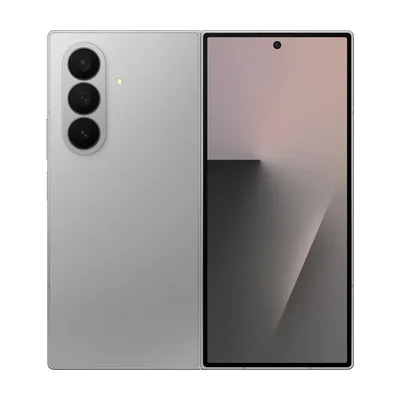
Families with school-age children, students taking online classes, seniors who prefer a bigger screen for telehealth and reading, and anyone who wants a larger screen for job applications. Prefer one device that does both? The Galaxy Z Fold unfolds into a tablet-size screen.
Phone Government applies the full benefit so qualifying customers pay $0 for the base plan.